
Phase 6: Final Participant View
Fresh session shows the complete poll with all three respondents and ranked slot bars.
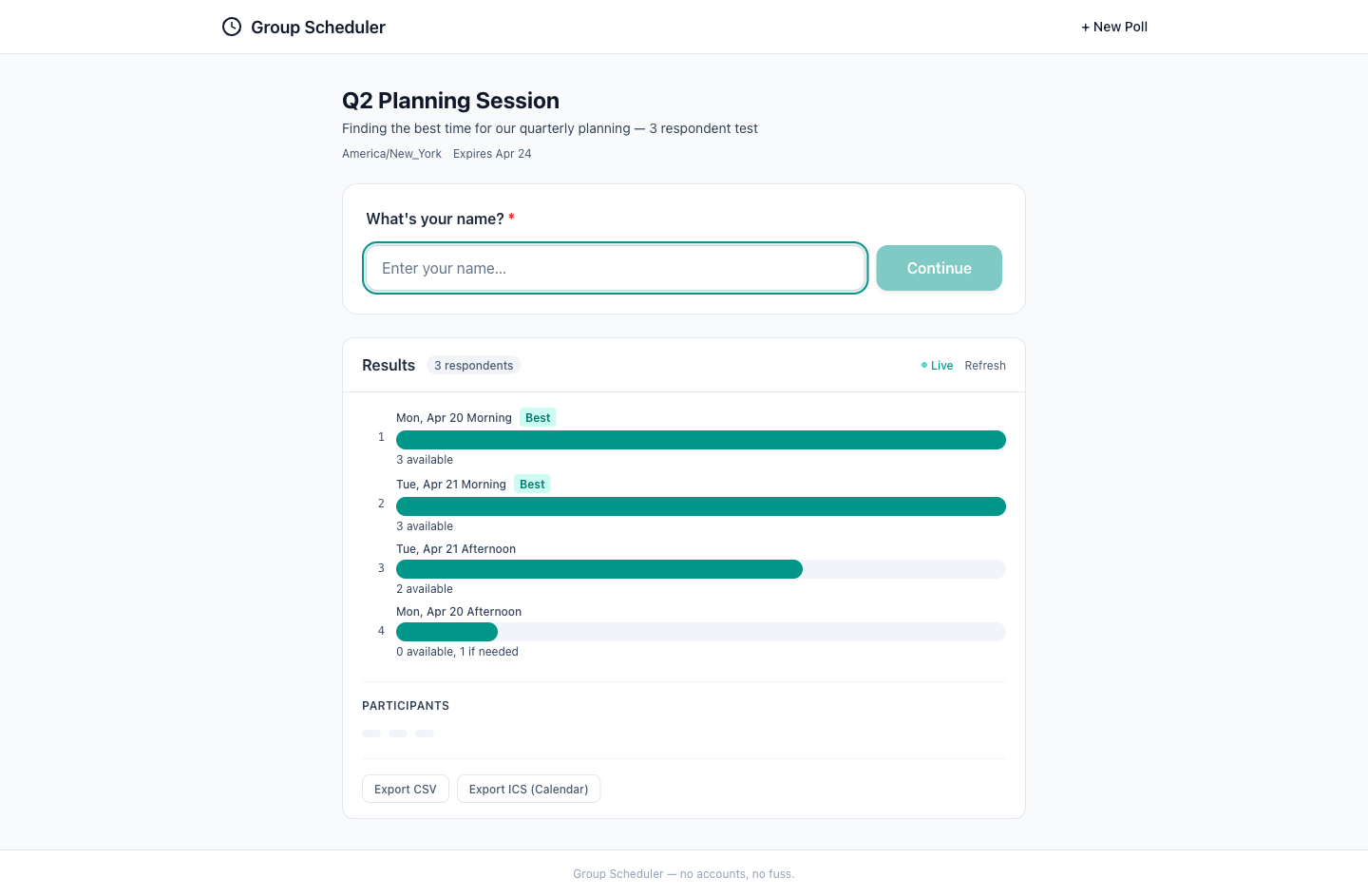
The screenshot shows a clean and well-organized interface for displaying poll results. The visual quality is high with good use of color and typography to differentiate between available times. The UX flow seems intuitive, allowing users to easily understand the results and proceed. The mobile readiness appears to be good, with touch targets that are likely to be easily clickable on smaller screens. However, there is room for improvement in accessibility, particularly in color contrast, to ensure all users can read the text comfortably.
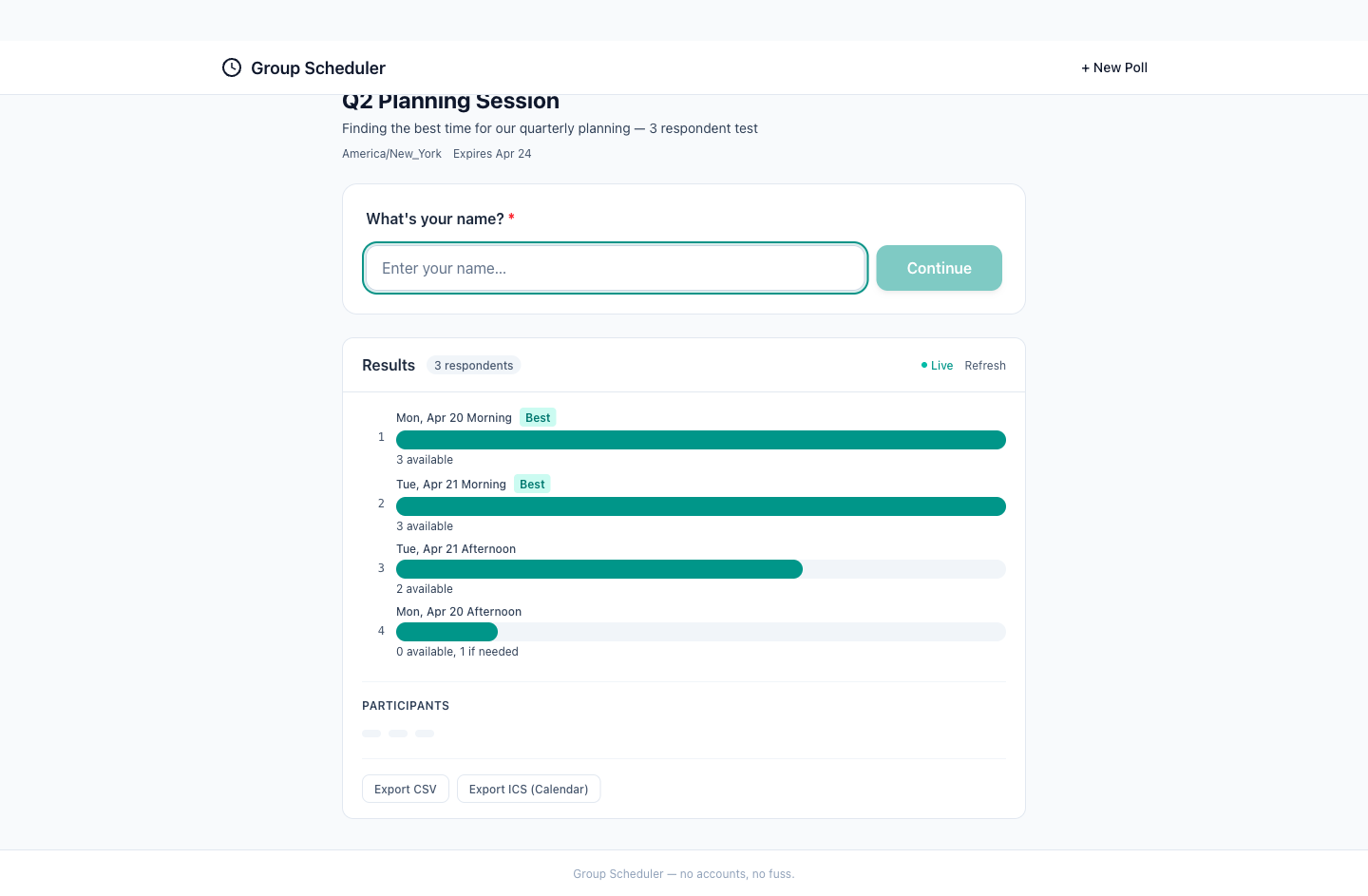
The screenshot shows a clean and well-organized interface with a clear hierarchy. The use of color effectively distinguishes between different levels of availability, and the interface is intuitive for users to understand the results. The visual quality is high, with good use of whitespace and typography. Accessibility could be slightly improved with better color contrast. The mobile readiness appears good, with touch targets that seem appropriately sized, although this would need to be confirmed on an actual mobile device. Overall, the interface effectively communicates the necessary information and guides the user towards understanding the scheduling results.