
Phase 8: Closed Poll — Participant View
A new participant visits the poll URL and sees the closed state with the winning slot announced.
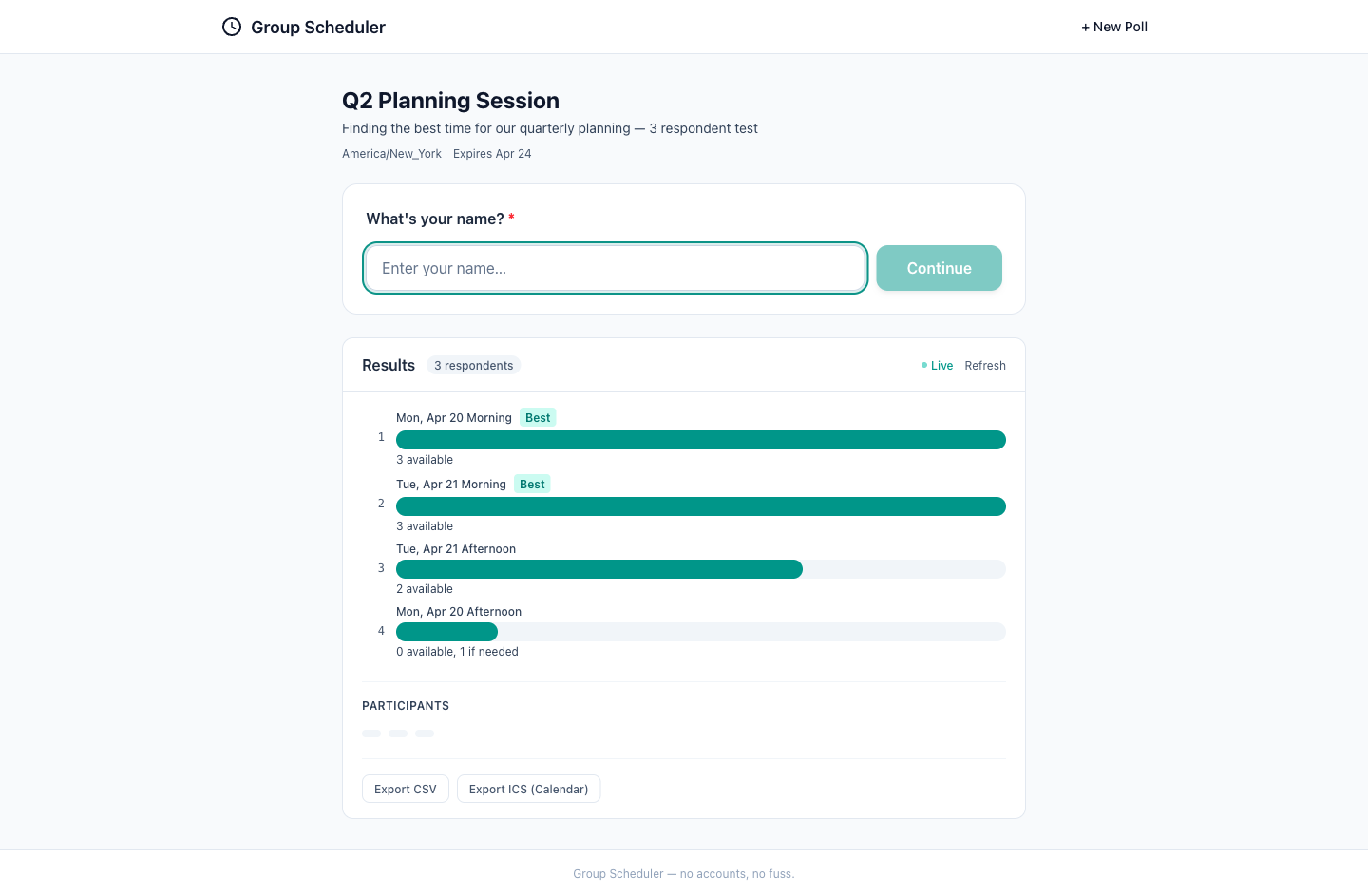
The visual quality of the interface is high, with a clean and modern design. The use of color to indicate the 'Best' time slots is effective. Accessibility seems to be well-considered, with legible text and sufficient contrast, although it could be improved by ensuring all elements meet WCAG standards. The UX flow is logical, with a clear indication of the poll results and the ability to download them. However, there could be a more explicit notification that the poll is closed. Mobile readiness appears to be good, with responsive design elements that should work well on smaller screens. Overall, the interface is effective and user-friendly, with minor improvements suggested for accessibility and clarity.
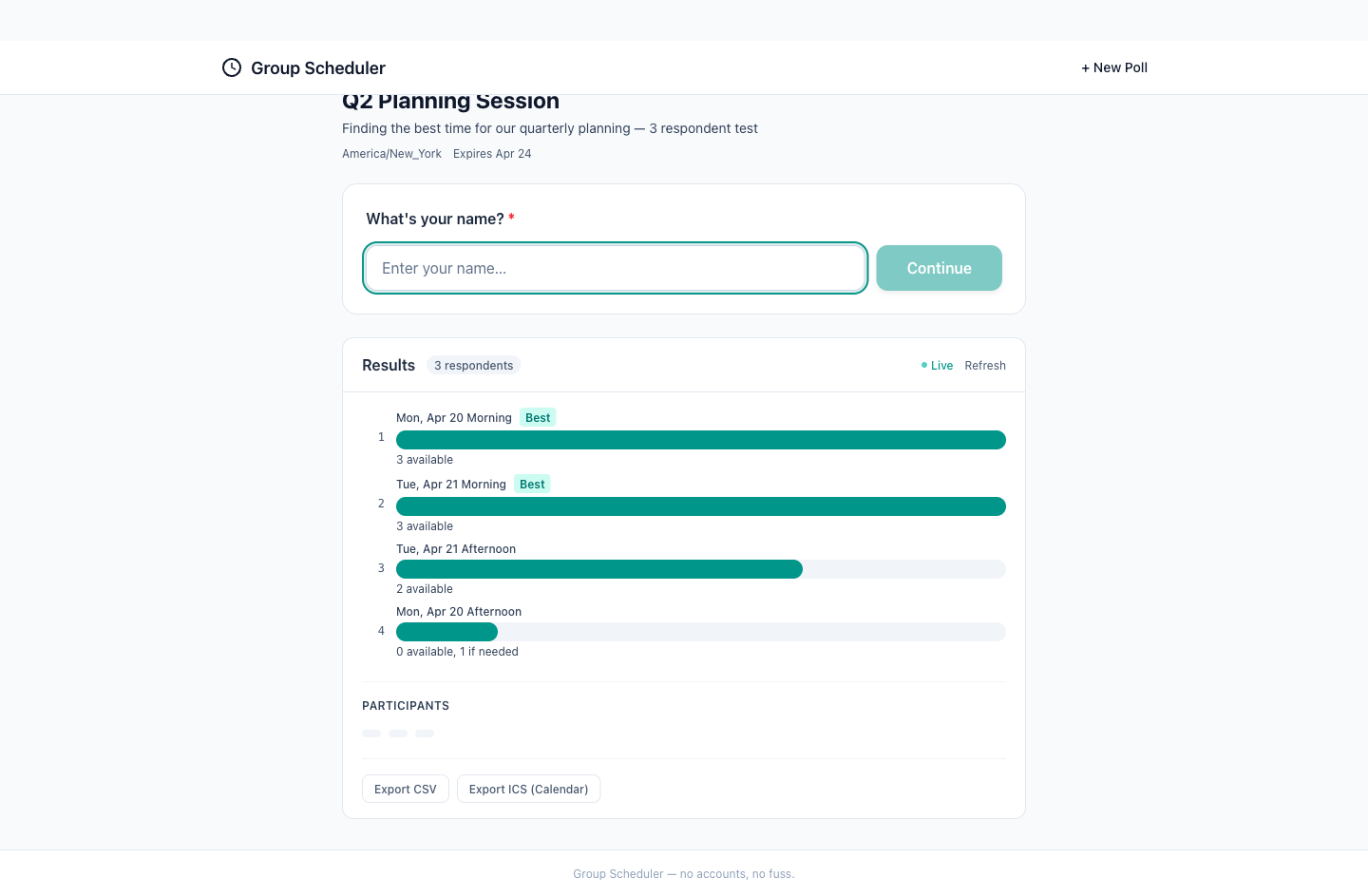
The visual quality of the screenshot is high, with a clean and modern design. The hierarchy is clear, and the typography is legible. Accessibility is generally good, but there is room for improvement in color contrast. The UX flow is intuitive, allowing users to easily understand the results and participant breakdown. The mobile readiness is also good, with touch targets that are appropriately sized and no horizontal overflow. However, the export options could be made more prominent to enhance user experience. Overall, the content matches the step description, showing the final results and participant breakdown in the closed state.