
Phase 3: Respondent 1: Alice Johnson
Alice submits availability for mornings only (Mon Morning + Tue Morning = AVAILABLE).
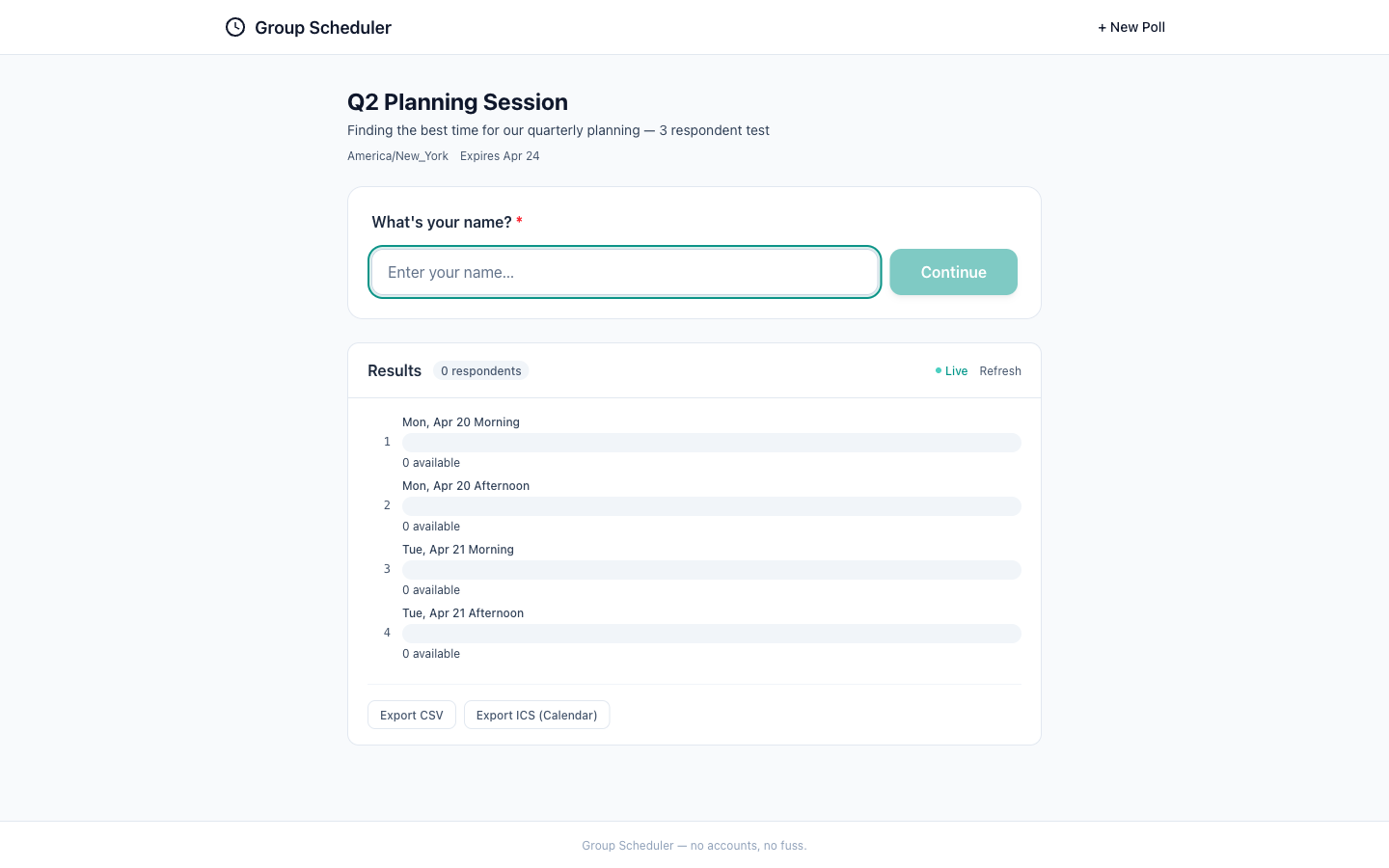
The screenshot presents a clean and well-organized poll page with a clear name entry form and results section. The visual quality is high with good use of whitespace and a simple color scheme. Accessibility is generally good, but there is room for improvement in the contrast of placeholder text. The UX flow is intuitive, guiding the user to enter their name and view results. The design appears to be mobile-ready, with touch targets that seem appropriately sized and a layout that should scale well to smaller screens. Overall, the page effectively communicates its purpose and next steps to the user.
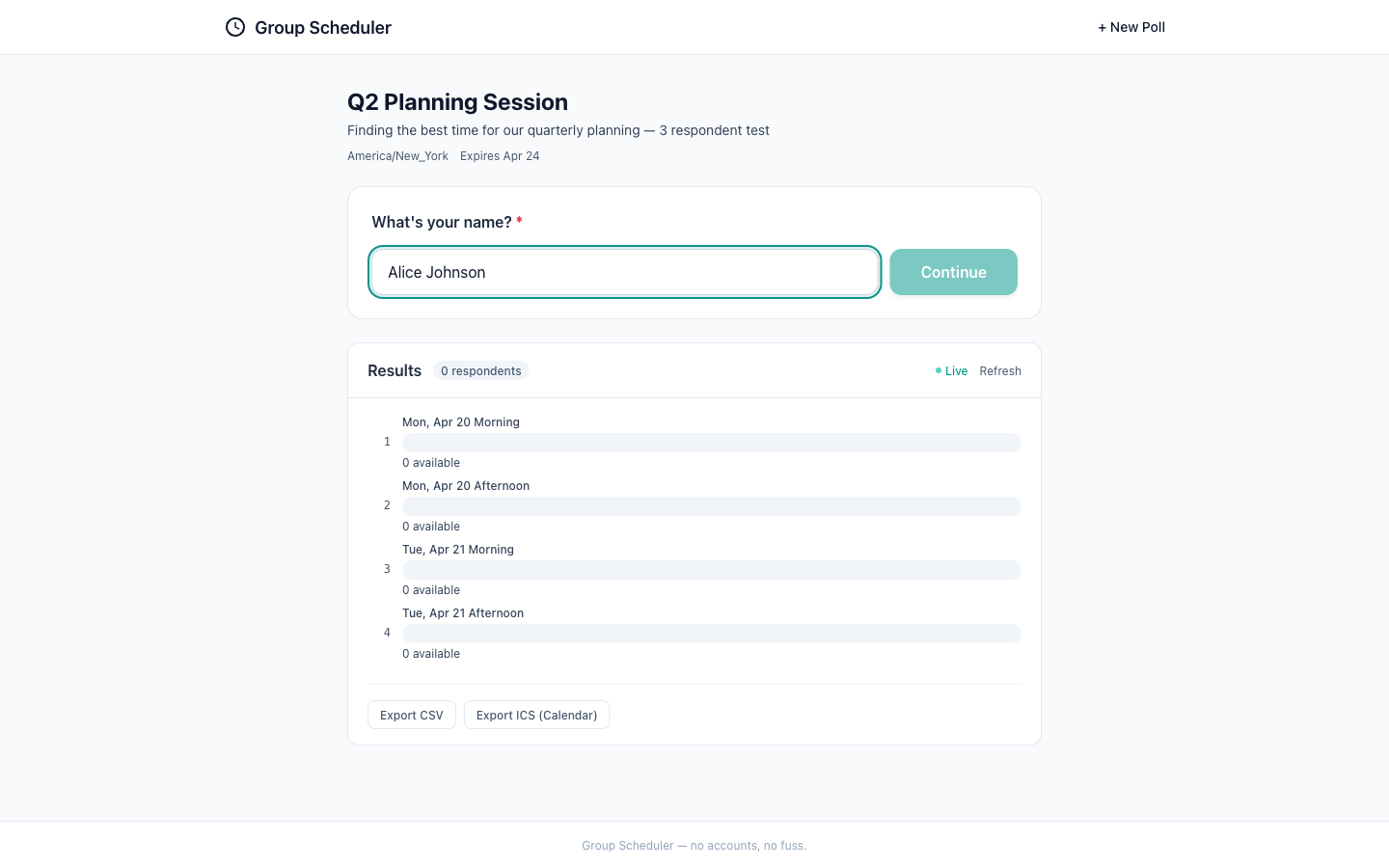
The screenshot shows a clean and well-organized interface for a group scheduler application. The name 'Bob Smith' is correctly entered into the input field, which is a good indication that the form is functioning as intended. The visual quality is high, with a clear hierarchy and good use of color to denote the best available times. Accessibility seems to be considered, with sufficient contrast and legible fonts, although the input text could be larger. The UX flow appears intuitive, guiding the user towards selecting a time for the planning session. Mobile readiness is also good, with touch-friendly elements and no apparent horizontal overflow. However, adding visual feedback on button interaction could enhance the user experience.
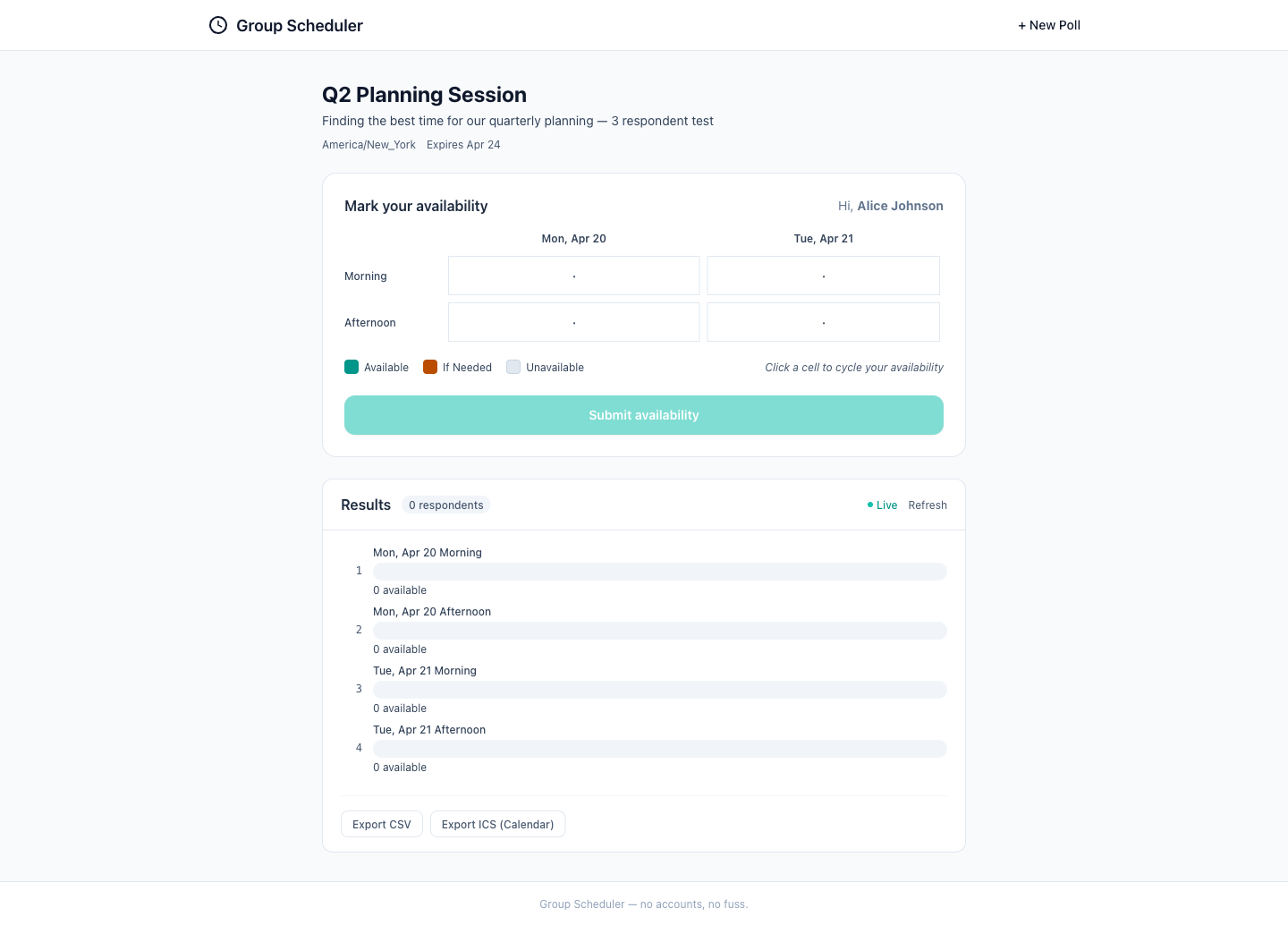
The screenshot shows a clean and well-organized interface for marking availability. The grid layout is intuitive, and the color coding for availability states is clear. The results section provides a quick overview of the respondent's availability, which is helpful for the user. However, there is room for improvement in terms of color contrast for better accessibility. Additionally, adding a visual cue when a slot is selected could enhance the user experience. Overall, the design is mobile-ready, and the content matches the step description.
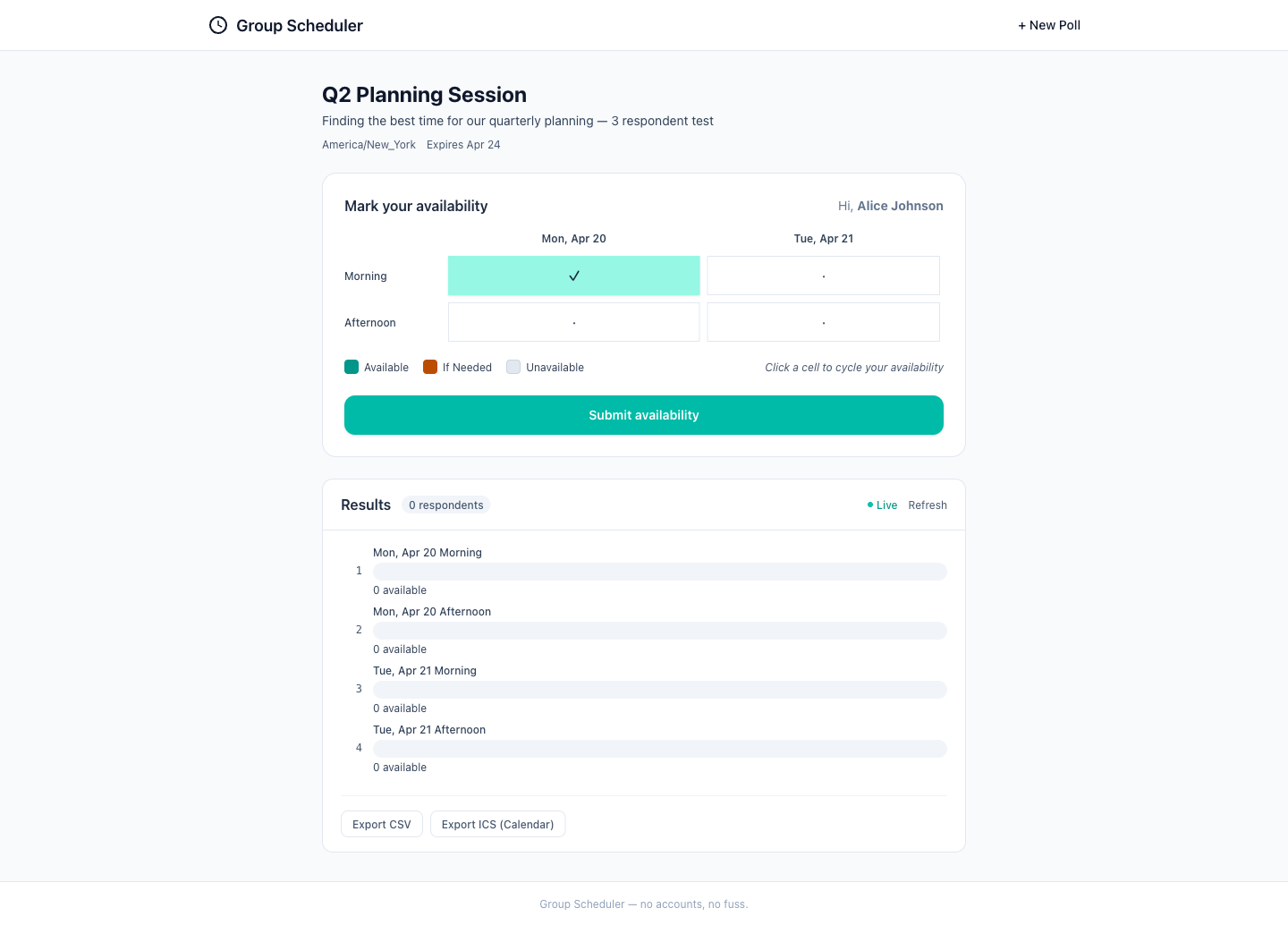
The interface is clean and well-organized, with a clear visual hierarchy that makes it easy for users to understand their options and actions. The use of color to indicate availability is intuitive, and the interface is responsive and ready for mobile use. However, there is room for improvement in terms of accessibility, particularly regarding color contrast, and the user experience could be enhanced with additional feedback mechanisms during state transitions.
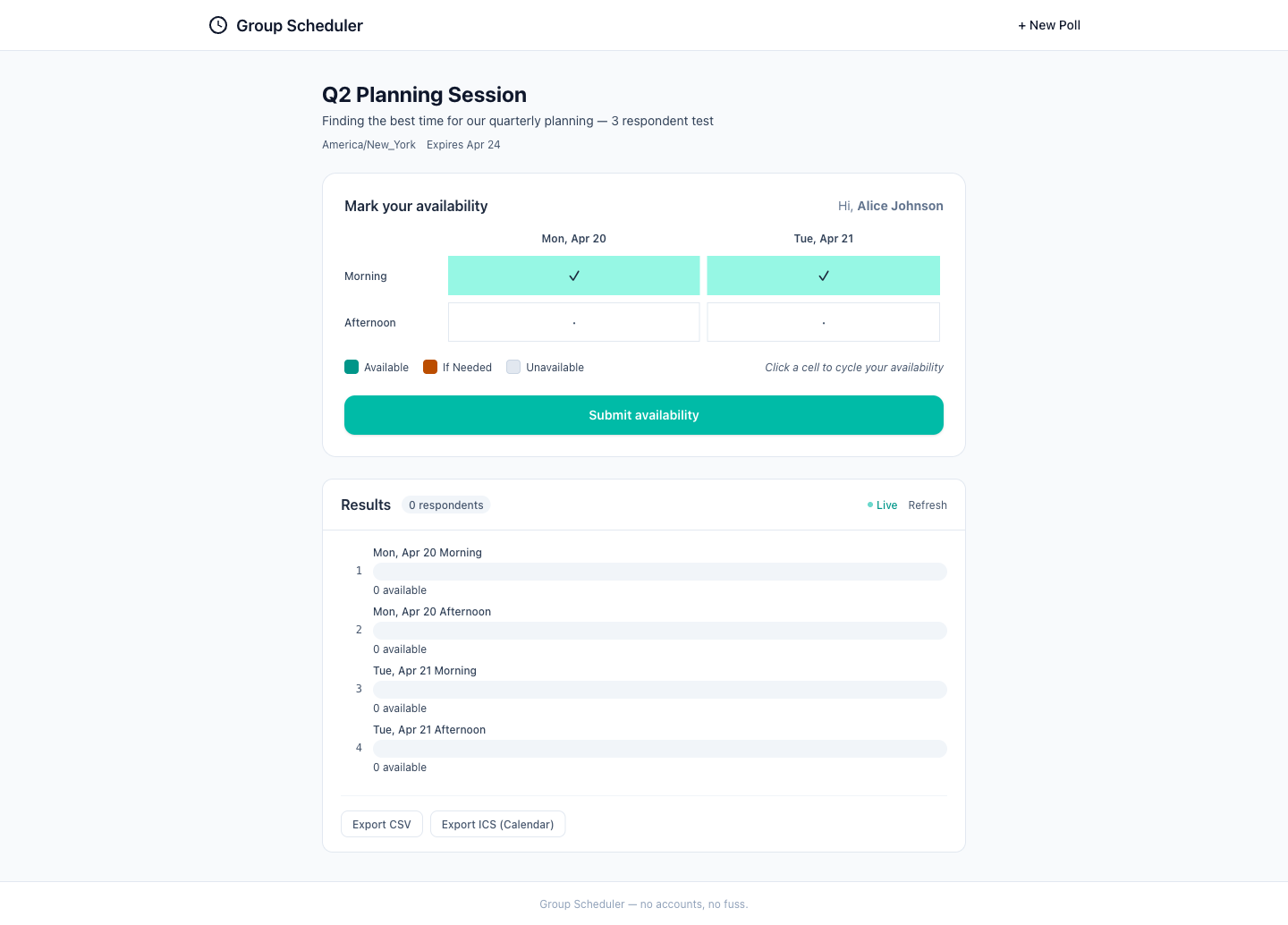
The visual quality of the interface is high, with a clean and modern design. The use of color effectively communicates the availability of the morning slots. Accessibility could be improved by ensuring that the color contrast is sufficient for all users. The UX flow is intuitive, with a clear indication of the current step and the ability to submit the availability. The mobile readiness appears to be good, with large touch targets and a responsive layout. However, it would be beneficial to clarify the selection process for afternoon slots to avoid any confusion.
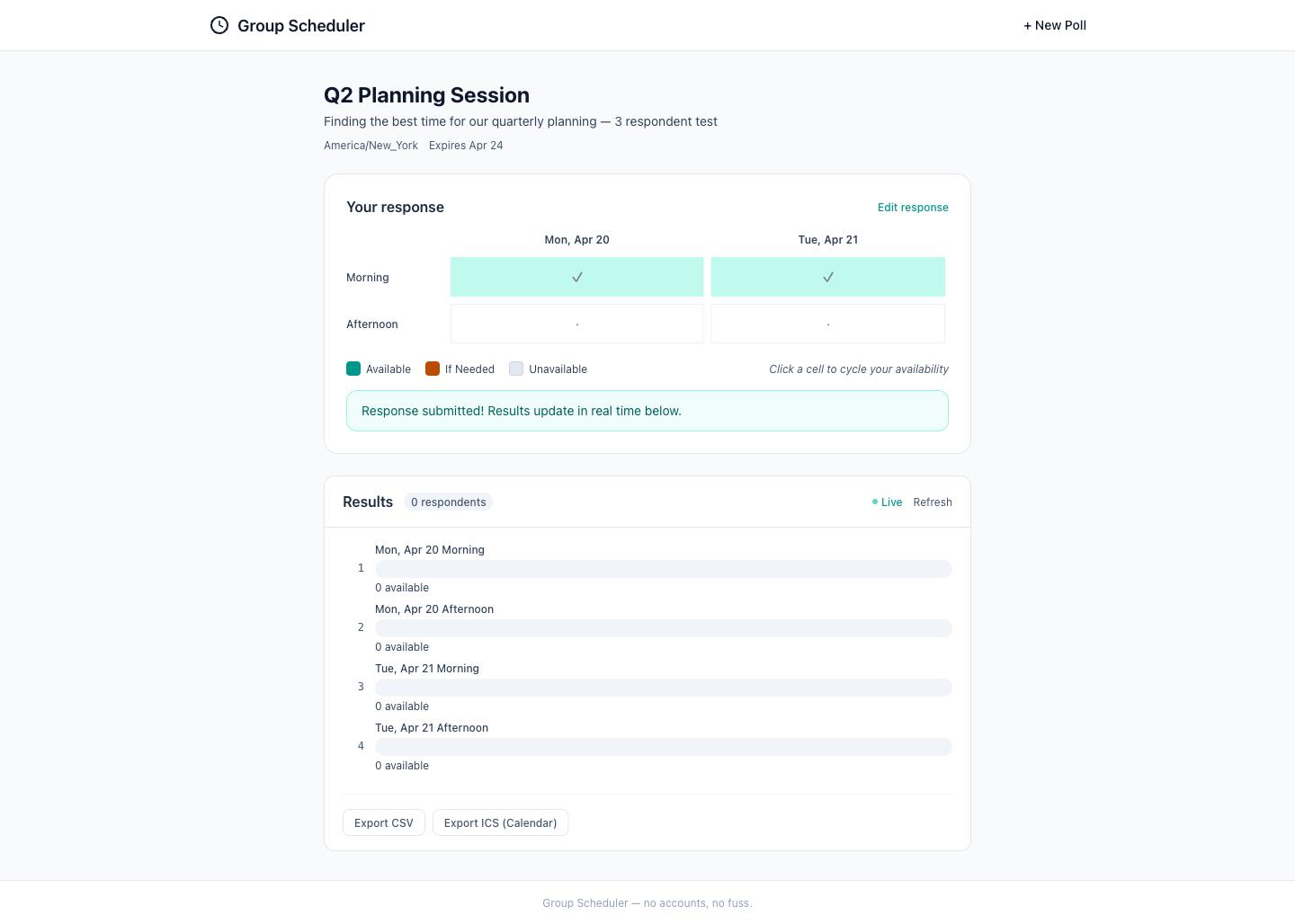
The screenshot shows a clean and well-organized interface with a clear indication of the user's submitted response and the updated results. The visual hierarchy is well-maintained with appropriate use of color to denote different states of availability. The interface appears to be user-friendly and intuitive, guiding the user through the process of scheduling. However, there is room for improvement in terms of accessibility, particularly in color contrast, to ensure that all users can interact with the interface effectively. The mobile readiness seems adequate, but testing on actual devices would be necessary to confirm. Overall, the design is effective, but minor adjustments could enhance usability and accessibility.
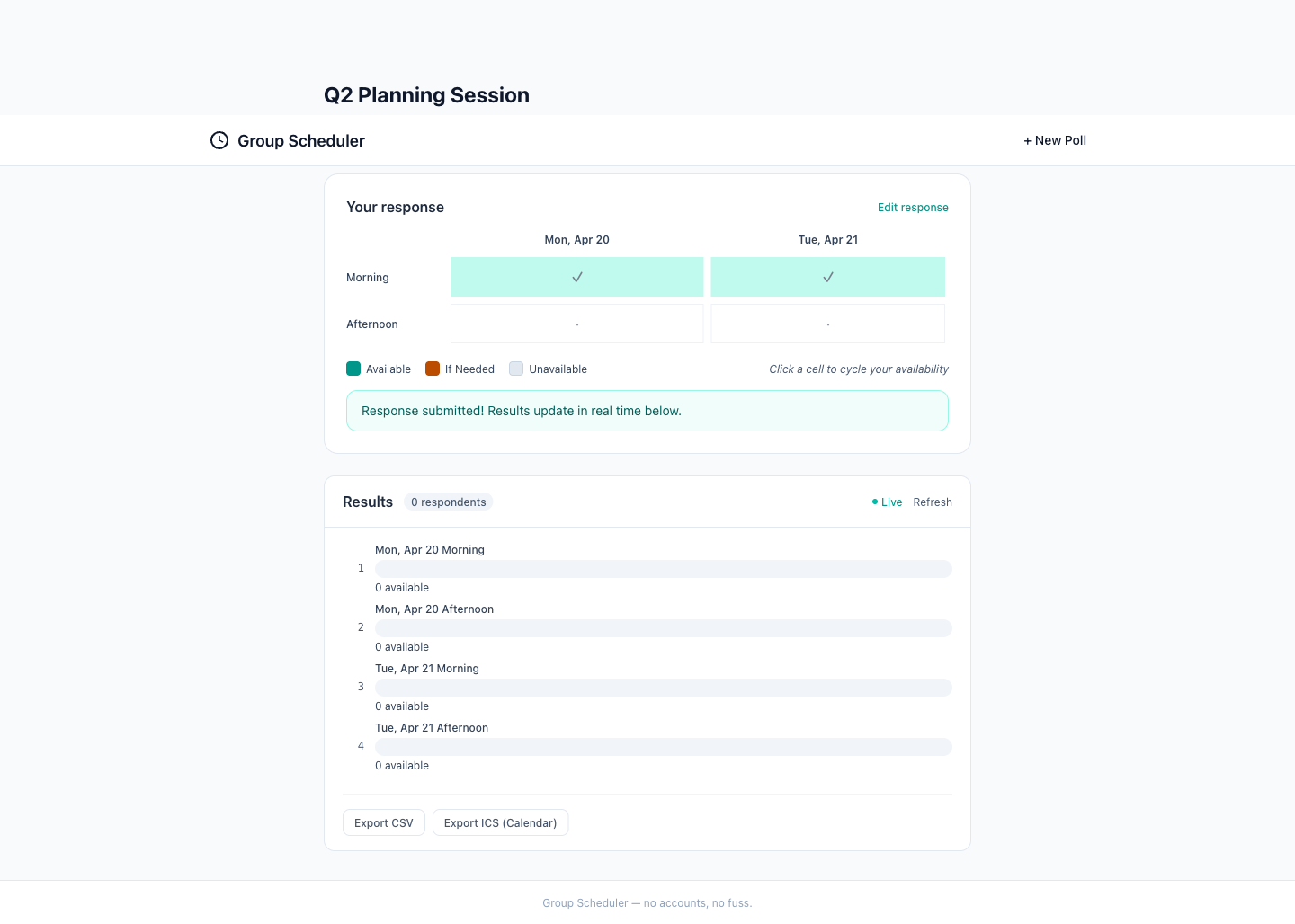
The screenshot displays a clean and well-organized interface for a planning session results page. The visual hierarchy is clear, with the results section prominently showing the availability of respondents for different time slots. The use of color coding for availability status enhances readability. The interface seems intuitive, allowing users to easily understand the availability of respondents and the ranking of the slots. However, there is room for improvement in accessibility, particularly in the color contrast for the 'If Needed' status. The mobile readiness appears to be good, with touch targets that seem appropriately sized, although this cannot be fully assessed without a mobile view. The content matches the step description, showing the correct number of responses for each time slot as expected.